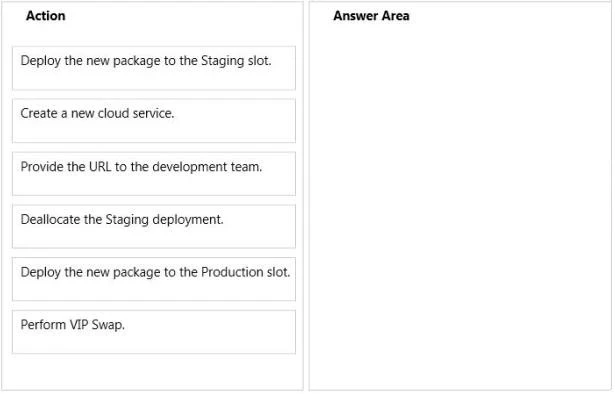
The suggested answer is A, C, F.
AF: You can monitor key performance metrics for your cloud services in the Azure Management Portal. You can set the level of monitoring to minimal and verbose for each service role, and can customize the monitoring displays. Verbose monitoring data is stored in a storage account, which you can access outside the portal.
C: The service configuration file specifies the number of role instances to deploy for each role in the service, the values of any configuration settings, and the thumbprints for any certificates associated with a role. If the service is part of a Virtual Network, configuration information for the network must be provided in the service configuration file, as well as in the virtual networking configuration file. The default extension for the service configuration file is .cscfg.
The service definition file defines the service model for an application. The file contains the definitions for the roles that are available to a cloud service, specifies the service endpoints, and establishes configuration settings for the service.
References:
http://azure.microsoft.com/en-us/documentation/articles/cloud-services-how-to-monitor/ http://msdn.microsoft.com/en-us/library/azure/ee758710.aspx http://msdn.microsoft.com/en-us/library/azure/ee758711.aspx