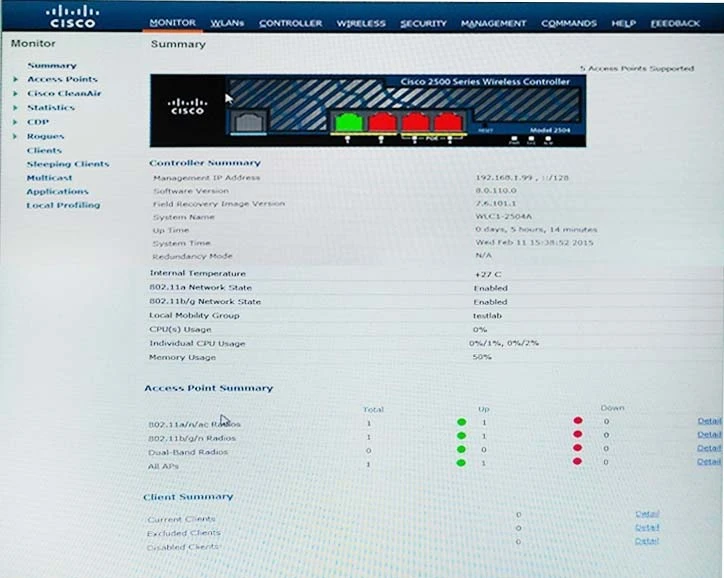
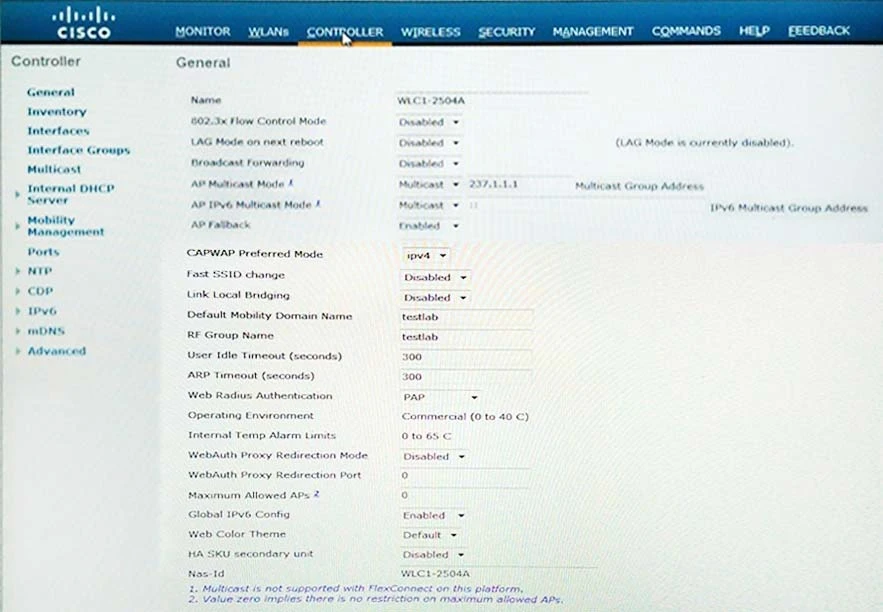
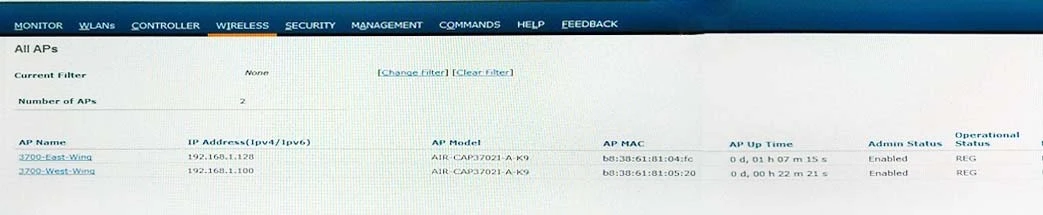
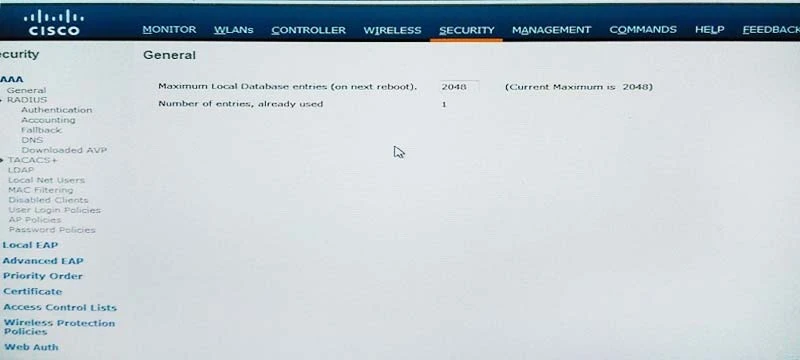
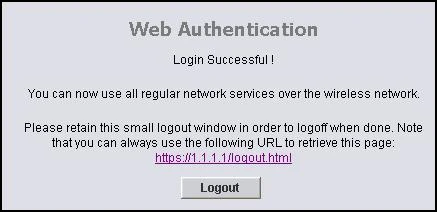
The suggested answer is F.
Web Authentication Process -
This is what occurs when a user connects to a WLAN configured for web authentication:
✑ The user opens a web browser and enters a URL, for example, http://www.cisco.com. The client sends out a DNS request for this URL to get the IP for the destination. The WLC bypasses the DNS request to the DNS server and the DNS server responds back with a DNS reply, which contains the IP address of the destination www.cisco.com. This, in turn, is forwarded to the wireless clients.
✑ The client then tries to open a TCP connection with the destination IP address. It sends out a TCP SYN packet destined to the IP address of www.cisco.com.
✑ The WLC has rules configured for the client and hence can act as a proxy for www.cisco.com. It sends back a TCP SYN-ACK packet to the client with source as the IP address of www.cisco.com. The client sends back a TCP ACK packet in order to complete the three way TCP handshake and the TCP connection is fully established.
✑ The client sends an HTTP GET packet destined to www.cisco.com. The WLC intercepts this packet and sends it for redirection handling. The HTTP application gateway prepares a HTML body and sends it back as the reply to the HTTP GET requested by the client. This HTML makes the client go to the default webpage URL of the WLC, for example, http://<Virtual-Server-IP>/login.html.
✑ The client closes the TCP connection with the IP address, for example, www.cisco.com.
✑ Now the client wants to go to http://1.1.1.1/login.html. Therefore, the client tries to open a TCP connection with the virtual IP address of the WLC. It sends a
TCP SYN packet for 1.1.1.1 to the WLC.
✑ The WLC responds back with a TCP SYN-ACK and the client sends back a TCP ACK to the WLC in order to complete the handshake.
✑ The client sends a HTTP GET for /login.html destined to 1.1.1.1 in order to request for the login page.
✑ This request is allowed up to the Web Server of the WLC, and the server responds back with the default login page. The client receives the login page on the browser window where the user can go ahead and log in.
Reference: http://www.cisco.com/c/en/us/support/docs/wireless-mobility/wlan-security/69340-web-auth-config.html#backinfo